Have started down the path of connecting to an Oracle database from an SQL Server. The Oracle database will be a key enterprise system, replacing a couple of legacy systems that currently are used to source a data warehouse.
Not fully complete in terms of integrating or loading data via an ETL tool, but first things first. I expect to have futher posts as I work or relearn nuances of Oracle, syntax, etc.
To start with what ended up working:
Installed the Oracle Database 11g Release 2 Client (11.2.0.1.0) for Microsoft Windows (32-bit) from http://www.oracle.com/technetwork/database/enterprise-edition/downloads/112010-win32soft-098987.html
Used the Adminstrator option during installation to get additional tools for Oracle, including a Net Manager that managed Oracle-specific connections. My gut feeling, of course is that this is hefty footprint (~600 Mb install) on a server to mostly get ODBC drivers, but thus far, haven't been able to determine what's needed and not needed.
After installing, in the install locations there was a seperate executable called odbc_install to run to get the ODBC drivers to show up
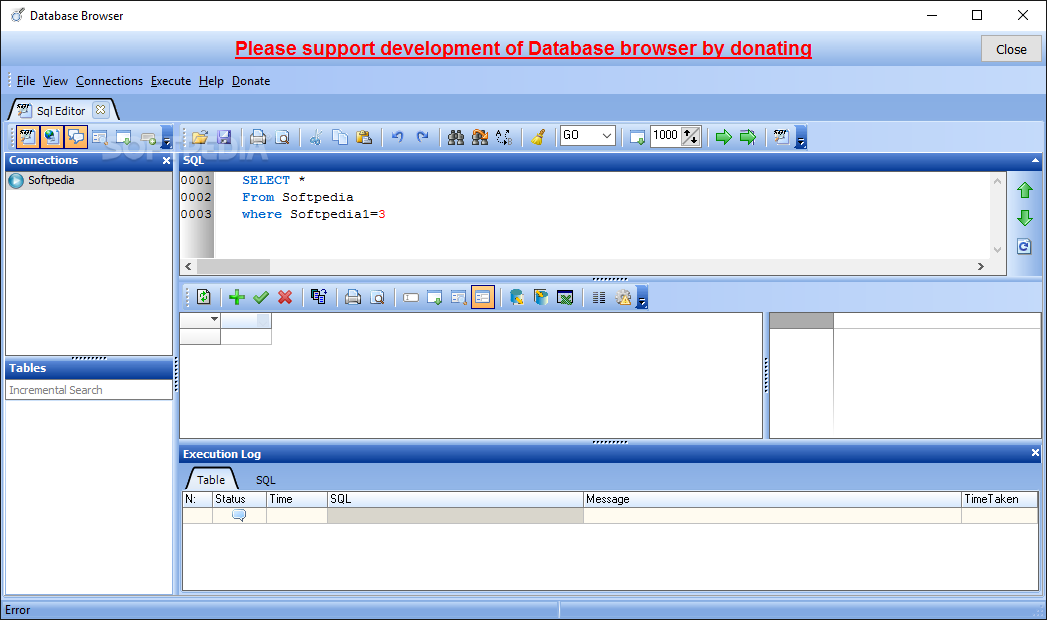
"Installed" (really just copy-pasted) Database Browser Portable to a server directory. This tool provides a rudimentary, but platform-independent viewer to the database. Oracle has various viewers in its client package, but at least some require 'Java' to be installed, but I'm hesitant to do so on a server. The Windows server and SQL server have their own set of maintenance issues with updates and service packs, and since using the Oracle-specific viewers won't be used on a regular basis in production that seems like an extra maintenance vector.

Was able to use Database Browser Portable was able to connect to the Oracle database two ways:
1. Setting up an Data Source Name (DSN) in the ODBC settings. In Database Browser Portable, choose an ODBC setting
2. In Database Browser Portable, choose 'Oracle'. Now when doing so, it appears there is a drop-down for TNS names... Mine didn't list any, but typing in manually what I new the TNS name to be worked
Thus far, not seeing any technical difference in Database Browser Portable between the two techniques, so suffice to say, i'll lean toward the Oracle connection type, to avoid the dependency upon the DSN. Not sure yet if the DSN will be required, or even just come in handy, when designing the actual ETL packages i'll need to build.
What didn't work for me so far to get to this point were 'installing' only the 'InstantClient' from http://www.oracle.com/technetwork/database/features/instant-client/index-097480.html. 'Installing' is in quotes again because it appears the basic technique is to unzip various modules that represent the Instant Client, and copy them to a directory. Then only the aforementioned 'ODBC_install' is the only actual 'install' on the server. Using this technique to get the base instant client and ODBC drivers would lead to a ~100-200 MB directory: still a large footprint for simple ODBC access to database, but especially since nothing is 'installed', this seemed hopeful. Ran through the steps in this article, http://celemotan.wordpress.com/2008/10/22/instantclient/, though, including manually setting environment variables and wasn't able to get an ODBC connection to test successfully against the name I was using for the TNS name.
An post on the support forum for Portable Database Browser asserted it would be possible to get it up an running with only the InstantClient in a directory. This was intriguing as it would imply nothing needs to be installed, not even the ODBC driver, and perhaps then this native access technique could be used in SSIS or similar. In my situation, wasn't able to get any combination of server, port and service name working. http://www.dbsoftlab.com/database-browser/1161-database-browser-on-oracle-instant-client.html
1. Setting up an Data Source Name (DSN) in the ODBC settings. In Database Browser Portable, choose an ODBC setting
2. In Database Browser Portable, choose 'Oracle'. Now when doing so, it appears there is a drop-down for TNS names... Mine didn't list any, but typing in manually what I new the TNS name to be worked
Thus far, not seeing any technical difference in Database Browser Portable between the two techniques, so suffice to say, i'll lean toward the Oracle connection type, to avoid the dependency upon the DSN. Not sure yet if the DSN will be required, or even just come in handy, when designing the actual ETL packages i'll need to build.
What didn't work for me so far to get to this point were 'installing' only the 'InstantClient' from http://www.oracle.com/technetwork/database/features/instant-client/index-097480.html. 'Installing' is in quotes again because it appears the basic technique is to unzip various modules that represent the Instant Client, and copy them to a directory. Then only the aforementioned 'ODBC_install' is the only actual 'install' on the server. Using this technique to get the base instant client and ODBC drivers would lead to a ~100-200 MB directory: still a large footprint for simple ODBC access to database, but especially since nothing is 'installed', this seemed hopeful. Ran through the steps in this article, http://celemotan.wordpress.com/2008/10/22/instantclient/, though, including manually setting environment variables and wasn't able to get an ODBC connection to test successfully against the name I was using for the TNS name.
An post on the support forum for Portable Database Browser asserted it would be possible to get it up an running with only the InstantClient in a directory. This was intriguing as it would imply nothing needs to be installed, not even the ODBC driver, and perhaps then this native access technique could be used in SSIS or similar. In my situation, wasn't able to get any combination of server, port and service name working. http://www.dbsoftlab.com/database-browser/1161-database-browser-on-oracle-instant-client.html