After some travails, build a Virtual PC containing SQL Server 2008 R2, for testing, learning, and demo.
Ran into some issues installing in the VPC environment What ended up working was the lowest tech approach possible.
- Capture the ISO on the guest
○ failed - apparently a known issue with the iso capture feature in VPC
○ ○ Listed as a Virtual PC issue
- Mount the iso through virtual clone drive on the host, expose that drive letter to the guest as an Optical Disk
○ Install directly
§ Failed - unknown error during SQL install
○ Copy the files from the virtual drive to local
§ Failed - "DOS errors" when copying
○ Sync Toy to perform an incremental copy down to the guest
§ Would lock up SyncToy and freeze the entire VPC
- Extract ISO on the host, create a mapped drive to the extracted files on the host; expose that to the guest through integration feature
○ Copy files from the host drive
§ Slow…
§ Eventually get 'Unexpected errors' the device is not connected.
○ Sync Toy to perform an incremental copy down to the guest
§ Would lock up SyncToy and freeze the entire VPC
- Burn a DVD of the ISO, load that into the host, expose that drive to the guest OS
○ Success
Thursday, August 25, 2011

Friday, July 29, 2011
Project Kanban
Setup a Project Kanban for my team's semi-annual governance - my biggest usage of the technique to date that is multi-party and scoped to a single project.
Matrixed by Deliverable on top and subject area on the left. We do a similar family of activities for each of 6 areas.
Here are the first 3 weeks. The whole effort is scheduled for completion September 10, 2011
Update: Added a fourth picture. Day before launch
Update: Added a picture at the end of launch day
 |
 |
 |
 |
 |
 |
Wednesday, June 8, 2011
SkyDrive try
My experience with SkyDrive has been a drastic failure so far. I've been trying to put my toe in the water by moving a folder of IT reference articles, presentations, and policy docs that I've carried around for 10+ years up to the SkyDrive. Figured my access was usually 10% editing (or less) and 90% reading, so this would let me get used to having the files in the cloud without having synch be a major concern.
Of course, I'm too impatient to upload the files/folders through the web interface, so i immediately set out to get Windows file system access, and use a sync tool to at least push the files one-way.
It appears to be possible to Map a network drive (How to Map SkyDrive as a Network Drive), using a CodePlex project - SkyDrive Simple Viewer to nav your SkyDrive. Started by doing a Window Copy-Paste, of course it's dreadfully slow and errors out on Visio diagram, among other file types i didn't take note of.
So, on to using SyncToy to copy the files up - at least it will run unobtrusively, and I can review which files were exceptions. SyncToy 2.0 fails immediately upon running the sync, so i look into it... SyncToy 2.1 is out - i had never needed to upgrade... it doesn't fail right away... but every. file. failed. "Exception during run: The FileSyncProvider received an unexpected error while applying a synchronized change. Creating new file {File Name}", and the sync task stops.
Will park this for now... further updates as I retrench and rethink how to attack this
Of course, I'm too impatient to upload the files/folders through the web interface, so i immediately set out to get Windows file system access, and use a sync tool to at least push the files one-way.
It appears to be possible to Map a network drive (How to Map SkyDrive as a Network Drive), using a CodePlex project - SkyDrive Simple Viewer to nav your SkyDrive. Started by doing a Window Copy-Paste, of course it's dreadfully slow and errors out on Visio diagram, among other file types i didn't take note of.
So, on to using SyncToy to copy the files up - at least it will run unobtrusively, and I can review which files were exceptions. SyncToy 2.0 fails immediately upon running the sync, so i look into it... SyncToy 2.1 is out - i had never needed to upgrade... it doesn't fail right away... but every. file. failed. "Exception during run: The FileSyncProvider received an unexpected error while applying a synchronized change. Creating new file {File Name}", and the sync task stops.
Will park this for now... further updates as I retrench and rethink how to attack this
Wednesday, March 30, 2011
Source Code Control - SQL Server/Business Intelligence Stack
- The ability to work on source code, being confident you are working against the latest and greatest version your team has been able to put together.
- The ability to develop source code, and review your work for quality before contributing to the team, and be confident your work will not accidentally override another, or be overridden
- The ability to review changes history on code regardless of author, to investigate behaviour at past point and/or rule out "code changes" as the cause of a problem
- All dev staff RDP into the development server to work on core, server-side projects - especially SSAS and core SSRS
- A few of us tend to work locally on SSIS, SSRS, and SQLscripts, then use sync toy to move files up to a file server… use synctoy on the development server to sync files from the share drive down
- All staff work on SQL scripts from their own machines, and kind of hope we don't collide with each other
One of the items weighing on my mind is that I have not introduced a true source code control process for my team working primarily with the SQL Server business intelligence stack. A source code control process is not need on this team to 'control' or 'audit' the work among the team, but provide some basic tools for working together:
Current methods
Based on inquiring in and around my organization, and also bringing it up during 'group therapy' session at the Sacramento SQL Server User Group, options included Visual Source Safe, CVS (which based on rudimentary research, actually SVN would be preferred), and Git, which I've been reading about mostly from the open source world. Upon researching Visual Source Safe, learned this old file-based standby is being deprecated by Microsoft in favor of their true server product - Team Foundation Server)
Alternatives
| Advantages | Disadvantages |
|---|---|
Integration with Visual Studio (for SSIS, SSRS and SSAS) | License cost/ Procurement process required |
Uses existing file server | Requires a checkout-edit-checkin workflow |
Is actually in de-support by Microsoft in favor of Team Foundation Server (TFS) |
SVN (client-side tool - TortoiseSVN)
Advantages | Disadvantages |
Free/Open Source | Lack of integration with Visual Studio (for SSIS, SSRS and SSAS) - 3rd party tool available for $49/seat |
Supports an Edit-Merge-Commit workflow | |
Uses existing file server |
http://www.codeproject.com/KB/dotnet/SourceControl_VSNET.aspx
Git (client-side tool - mySysGit)
Advantages | Disadvantages |
Free/Open Source | Lack of integration with Visual Studio (for SSIS, SSRS and SSAS) |
Supports an Edit-Merge-Commit workflow | |
Uses existing file server? | Appears to be more geared to storing a project on the open internet (i.e. http:) |
Focuses a lot more on branching and merging - good for bazaar-type development, but not as much value for a small focused (relatively) team |
Advantages | Disadvantages |
Integration with Visual Studio | Not currently available in our organization. Another shop is evaluating it - need to assess and leverage their efforts, as well as determine licensing |
Other dev lifecycle tools | |
Integration with SharePoint |
Friday, February 18, 2011
Project War Room
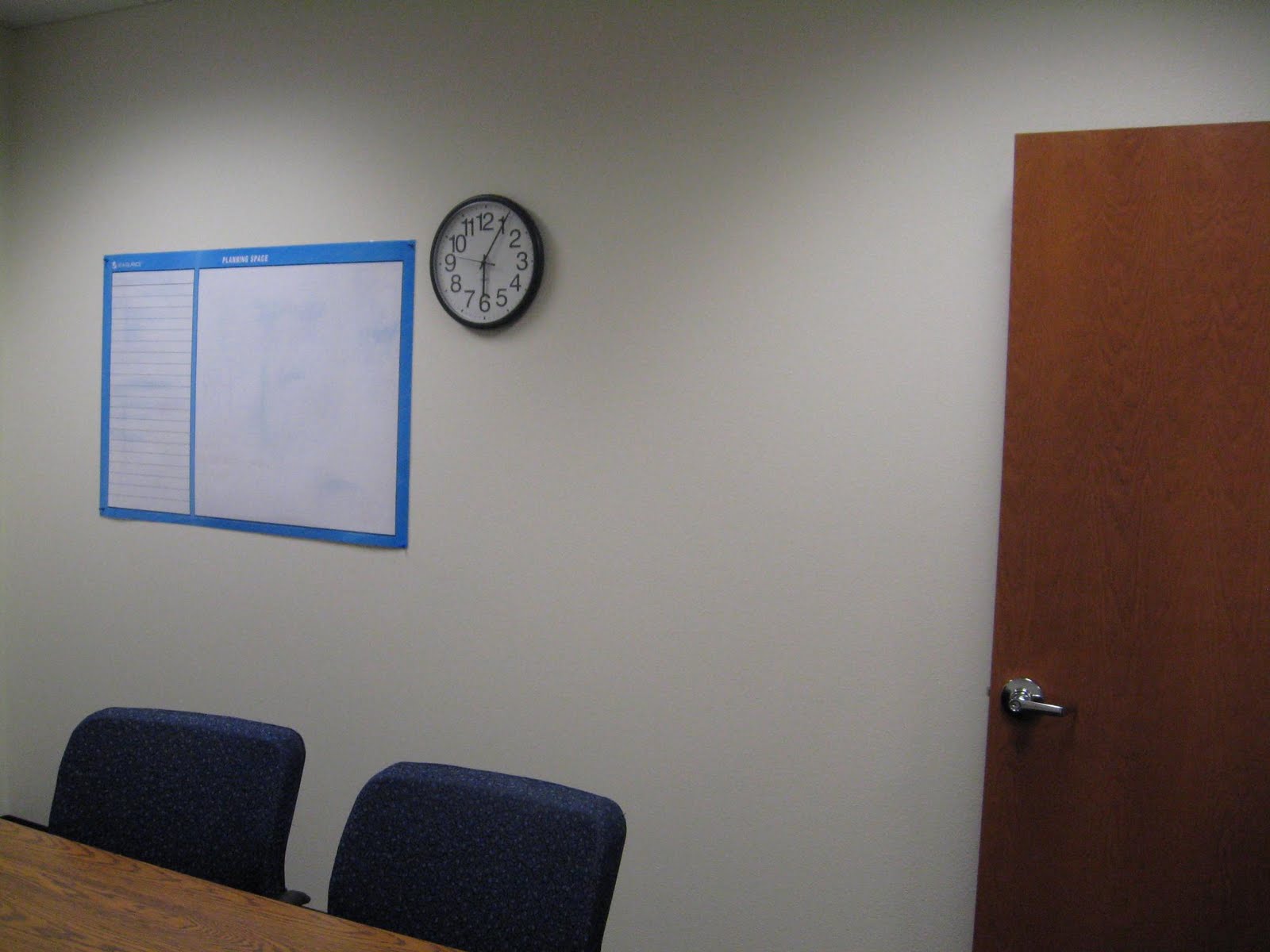
Finalized a project for CDCR - a Court Compliance Reporting Portal - wrapped up the project war room. See, not only do I see projects as having a defined start and end, but a defined location as well. This was the war room for the duration of the project, and of course, it was left cleaner then when it started:
| During Use | After Use |
|---|---|
 |  |
 |  |
 |  |
 |  |
Tuesday, January 4, 2011
Recommended SSIS blog
Been following a blog series on SSIS, with recent topic:
31 Days of SSIS - Folder Structures
My response:
Can tell you use an organized layout, and some of the concepts under workfiles I hadn’t
considered before.
What do I do differently?
Well the concept of WorkFiles is outside of the ‘SSIS’ hierachy, in fact by the time it gets to production on an entirely different drive. One reason is that the WorkFiles lives on whether another developer was to follow me and structure packages differently… or for that matter a different ETL tool was used, or even reverted to importing ‘manually’. Second reason is the source control and permissions alluded to. Non-developers in my environment need access to the WorkFiles, on a regular basis to drop off files, and in rarer situations, to see what files have been imported. Confuses me to much to have this mixed in with folders that need source code control.
Under my equivalant to WorkFiles/Project, there is a ‘Samples’ folder which contains samples (i.e. templates) of what the files are ‘supposed’ to look like. Especially with Excel files, i’ve found a groove where if the package uses a file under ‘WorkFiles/Project/Samples’ at design, then have it loop through ‘WorkFiles/Project’ at execute time. This can be challenging though if the ‘Samples’ get out of sync with the package.
31 Days of SSIS - Folder Structures
My response:
Can tell you use an organized layout, and some of the concepts under workfiles I hadn’t
considered before.
What do I do differently?
Well the concept of WorkFiles is outside of the ‘SSIS’ hierachy, in fact by the time it gets to production on an entirely different drive. One reason is that the WorkFiles lives on whether another developer was to follow me and structure packages differently… or for that matter a different ETL tool was used, or even reverted to importing ‘manually’. Second reason is the source control and permissions alluded to. Non-developers in my environment need access to the WorkFiles, on a regular basis to drop off files, and in rarer situations, to see what files have been imported. Confuses me to much to have this mixed in with folders that need source code control.
Under my equivalant to WorkFiles/Project, there is a ‘Samples’ folder which contains samples (i.e. templates) of what the files are ‘supposed’ to look like. Especially with Excel files, i’ve found a groove where if the package uses a file under ‘WorkFiles/Project/Samples’ at design, then have it loop through ‘WorkFiles/Project’ at execute time. This can be challenging though if the ‘Samples’ get out of sync with the package.
Tuesday, September 21, 2010
Enesys RS Data Extension
This product looks like a leap in using SSRS with SharePoint lists as a data source
Enesys RS Data Extension
As pointed out in Creating Reports From SharePoint Lists Using SQL Server Reporting Services (SSRS) , it is pretty much impossible to directly query from more than one list in SSRS using the web services as a data source. Even with a single list, doing so requires some fine-tuning of the XML request, looking up a list and view guid, and the whatnot. At this point, nothing I would be prepared to hand off to the typical report analyst role.
Looks like the Enesys product makes it pretty clear to pull from a SharePoint list by name, and some features to pull from multiple lists in a query of some sort...
Also, looking at the Enesys IS data extension asserts to be able to pull from SharePoint lists directly, I've only, again, used the web services in SharePoint to pull from a single list as XML - there is a lot of hand-coding in the process.
Will be grabbing an evaluation copy soon and see how it works!
Enesys RS Data Extension
As pointed out in Creating Reports From SharePoint Lists Using SQL Server Reporting Services (SSRS) , it is pretty much impossible to directly query from more than one list in SSRS using the web services as a data source. Even with a single list, doing so requires some fine-tuning of the XML request, looking up a list and view guid, and the whatnot. At this point, nothing I would be prepared to hand off to the typical report analyst role.
Looks like the Enesys product makes it pretty clear to pull from a SharePoint list by name, and some features to pull from multiple lists in a query of some sort...
Also, looking at the Enesys IS data extension asserts to be able to pull from SharePoint lists directly, I've only, again, used the web services in SharePoint to pull from a single list as XML - there is a lot of hand-coding in the process.
Will be grabbing an evaluation copy soon and see how it works!
Subscribe to:
Posts (Atom)